Homepage
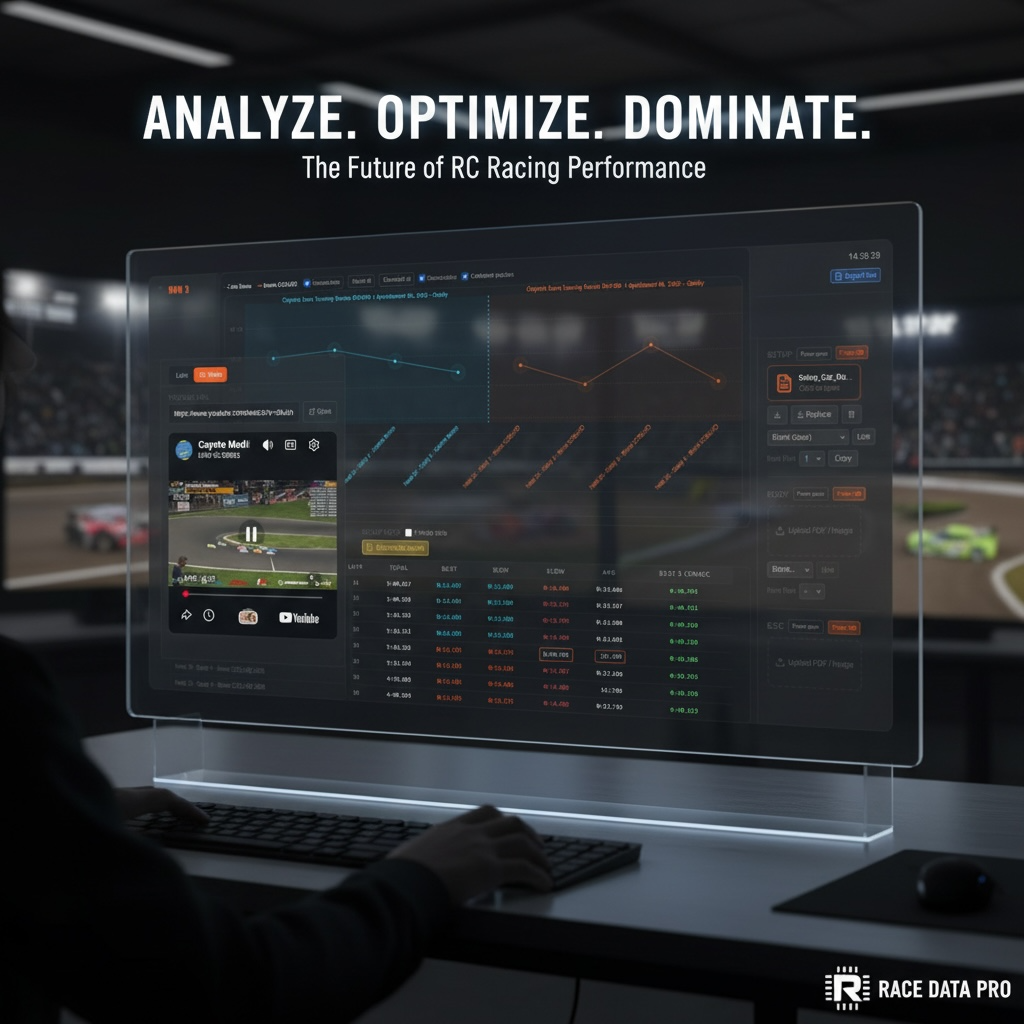
One front door for the whole racing workflow.
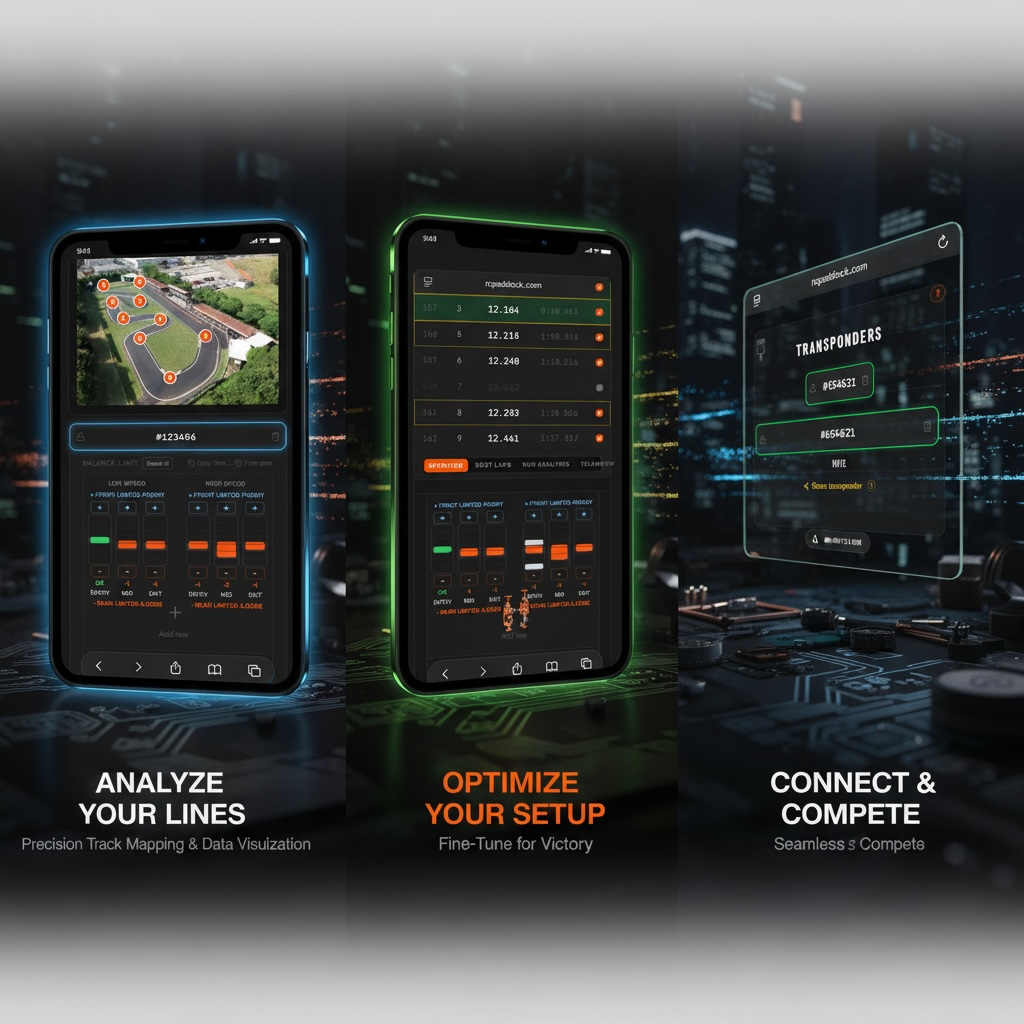
See the product surface, key modules, and the main operating layer from one place before diving deeper.
OverviewDashboards
RCPaddock keeps the whole race story together: timing, setup, notes, weather, race links, video and the analysis that turns those records into better next runs.
The Story
Import practice and race-day sessions, combine the right dashboards, and collaborate around the same evidence instead of rebuilding the weekend from memory.
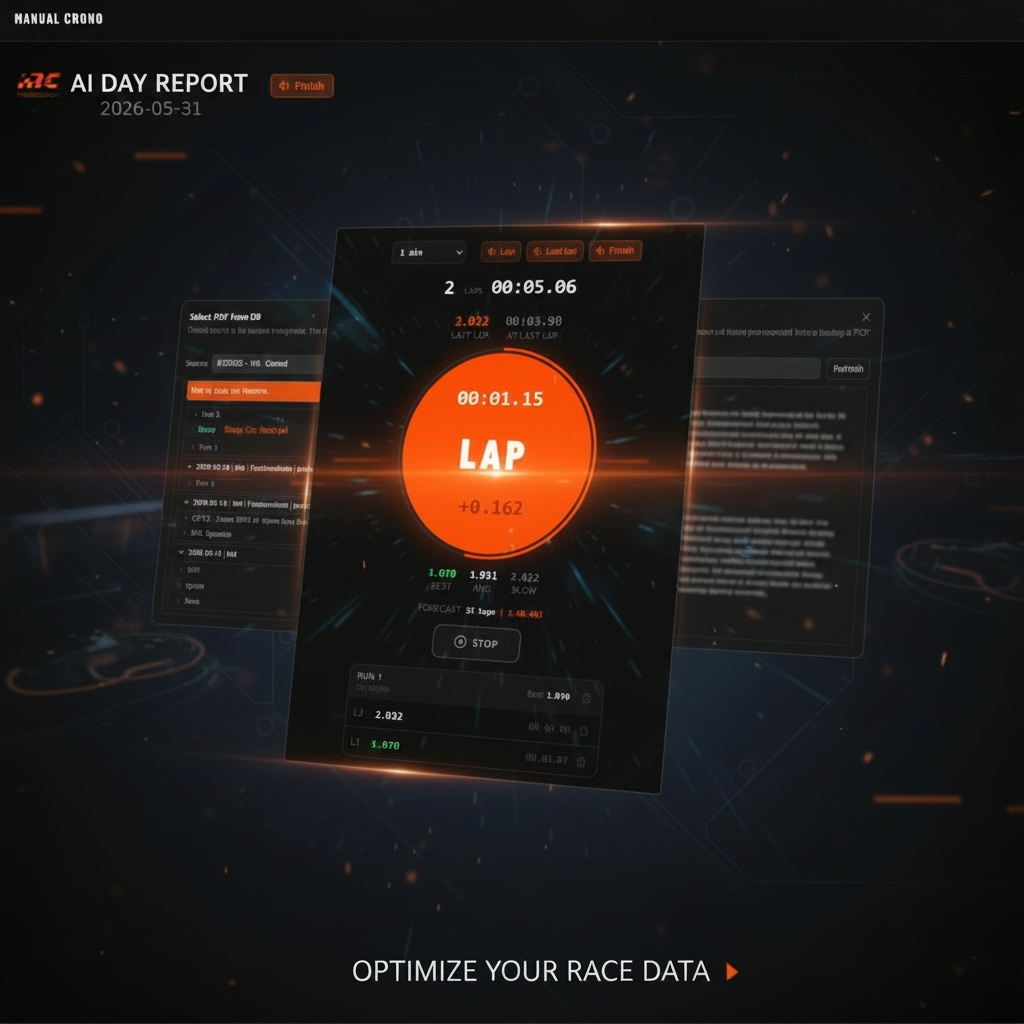
Run manual timing without a transponder, then review every lap later with progression, notes, setup attachments and the full context of the day.
Retrieve the setup, test, temperature, track, package and driver notes from that one useful day. The information that was impossible to find is searchable again.
Fastest lap is only one clue. Consistency and repeatability win races, and the transponder dashboard is built to make those patterns visible.
Use three dashboard styles as you grow. Start simple, understand the tool, then step up into deeper race analysis when you need it.
Race data can become overwhelming. The AI report reads the tests, lap times and notes, then gives a clear picture of where you are and what matters next.
Race stream, race results, comparisons, setup, notes, lap times and video stay connected in the same workflow.
Homepage
See the product surface, key modules, and the main operating layer from one place before diving deeper.
Laptime dashboard
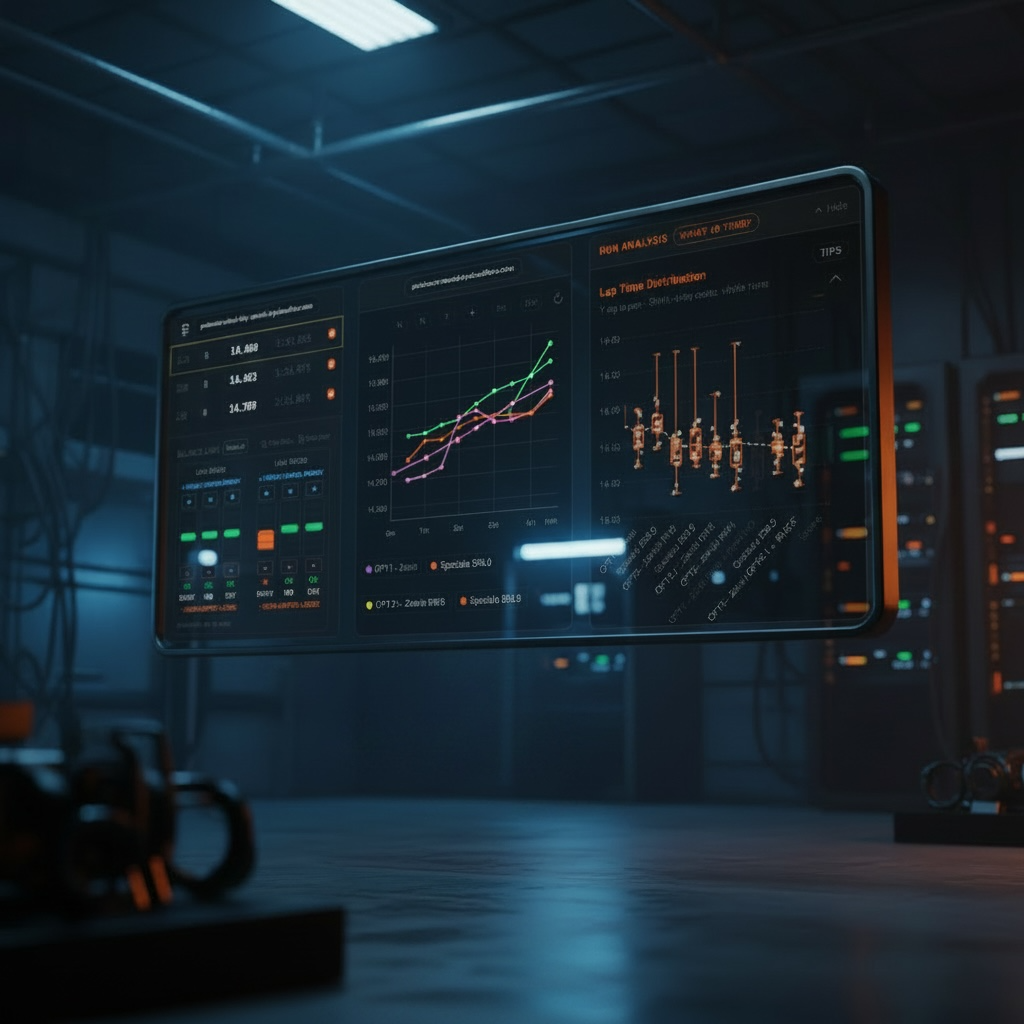
Move between run cards, comparisons, setup references, video context, and lap distributions without leaving the workflow.

AI report
Generate a readable report that turns the session into concrete guidance instead of another export nobody reopens.
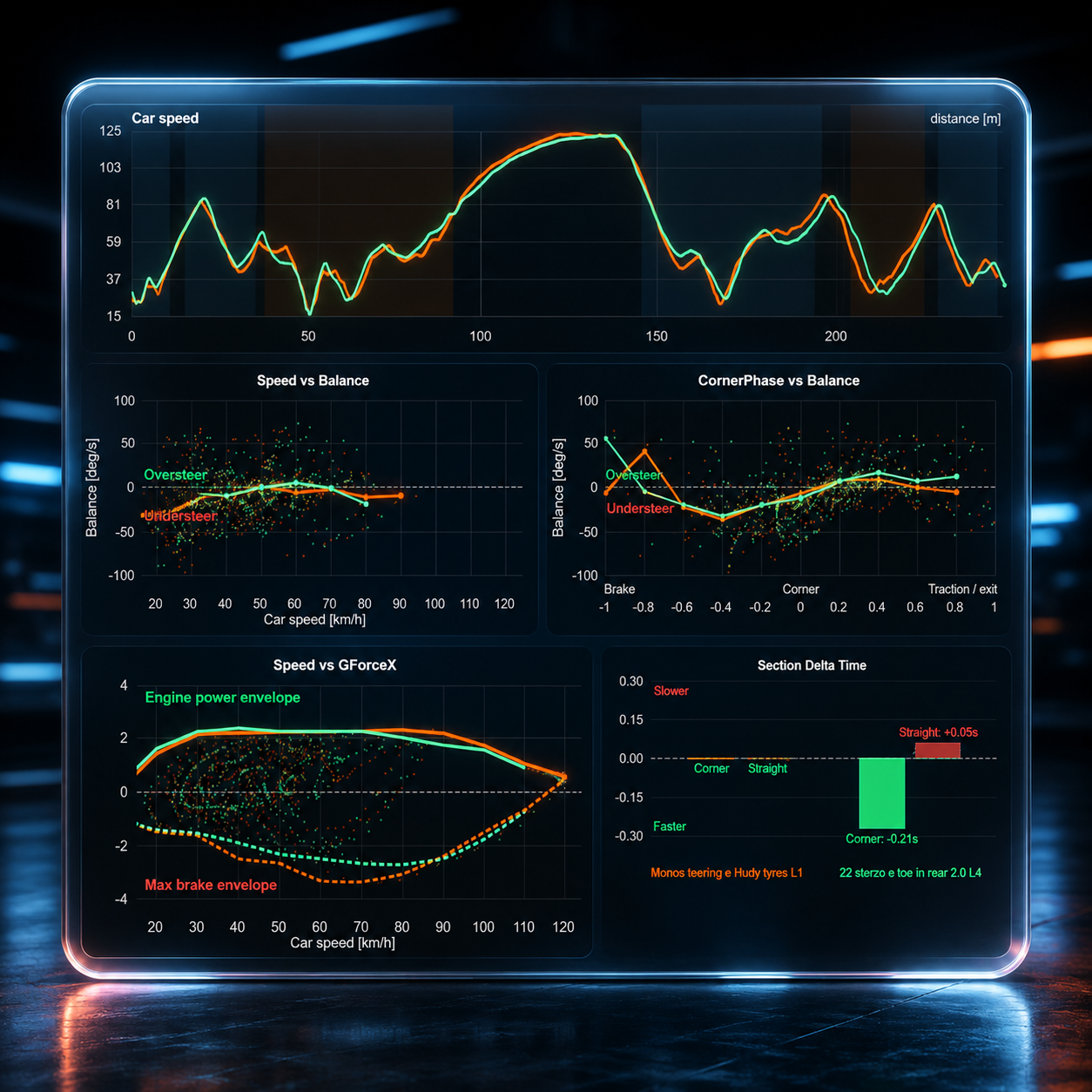
Telemetry analysis
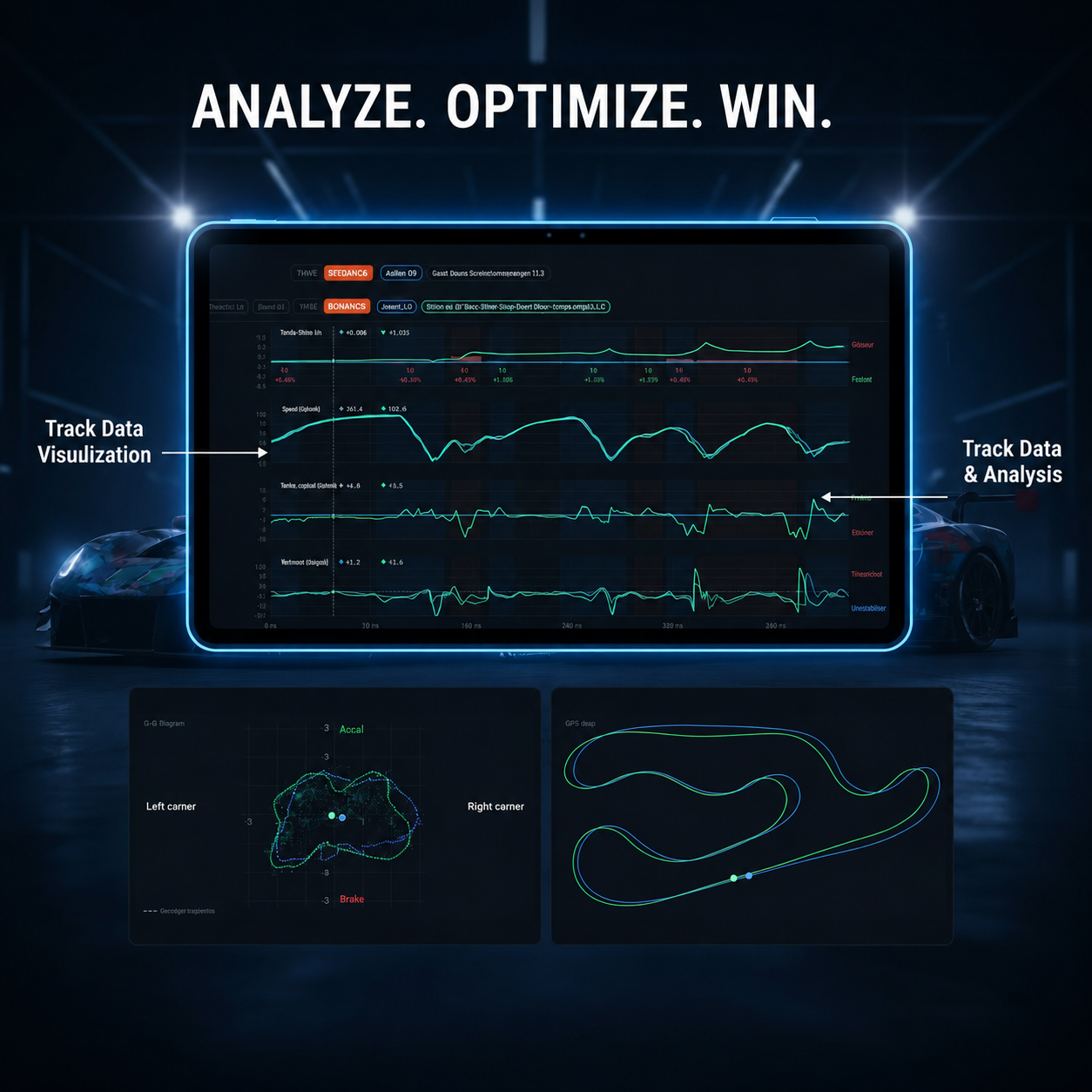
Upload CSV data to compare laps, trajectories, engine power, balance and understand where time is gained or lost.
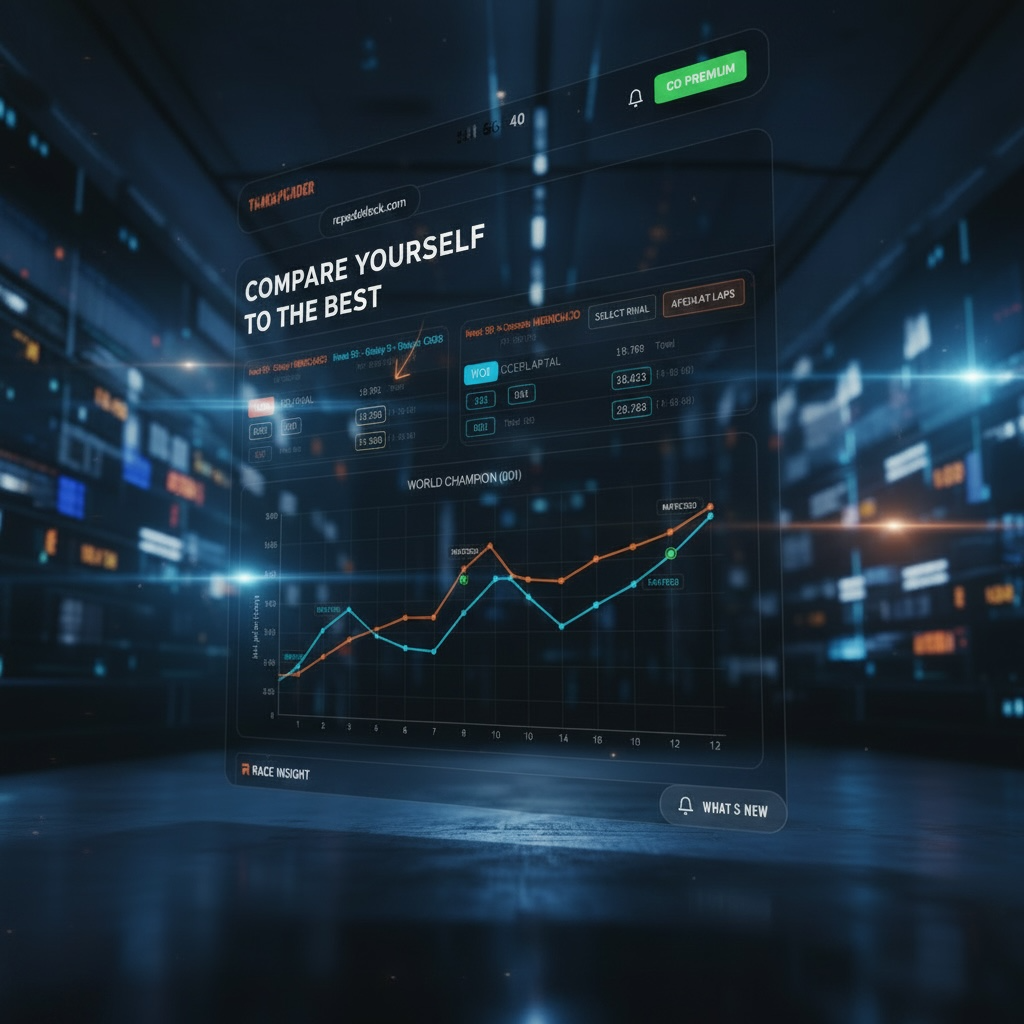
Event analysis
Use head-to-head reading, best-three comparisons, and lap table evidence to understand where time is won.
Connected workflows
Organize your racing knowledge and build a lasting memory. Every setup choice, run plan, past session, and manual timing stays connected, so every decision starts with context.
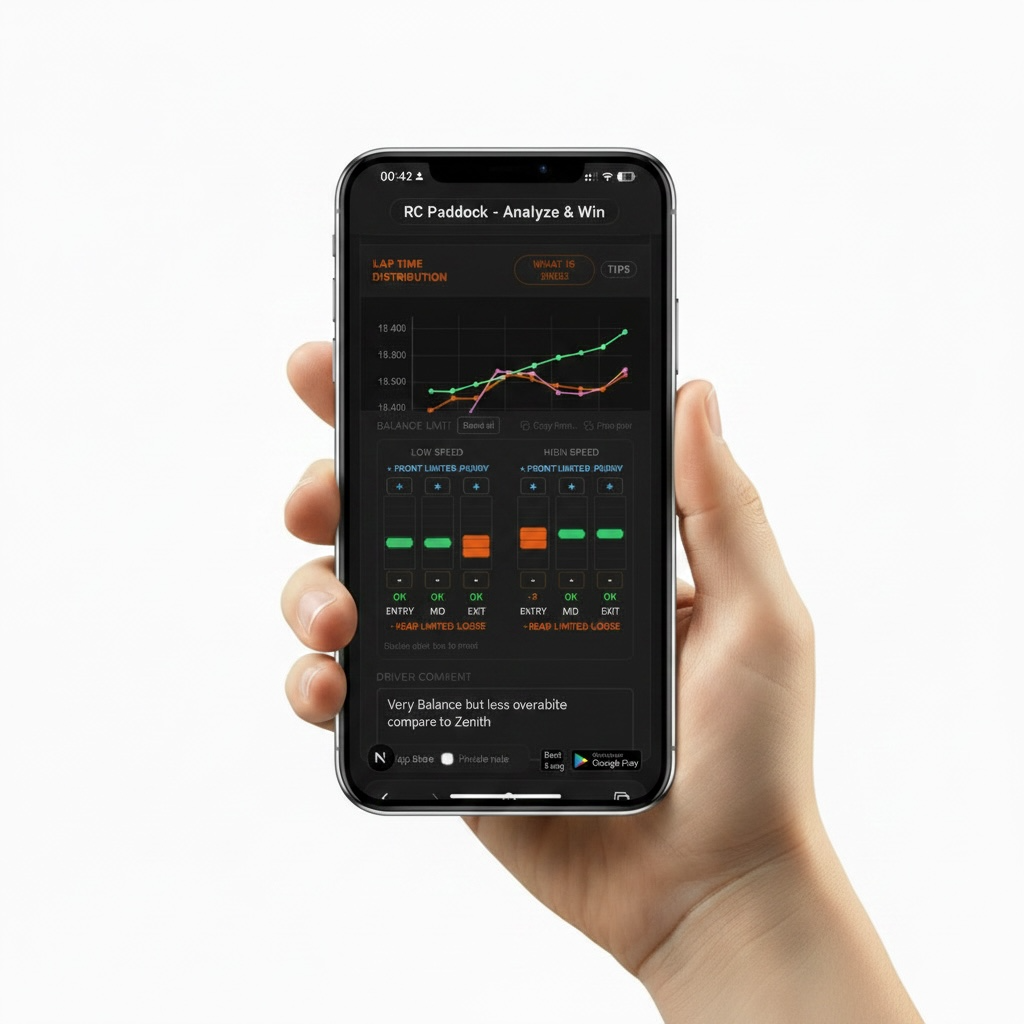
Setup
Review the setup sheet alongside the session so car changes stay connected to performance and not memory.
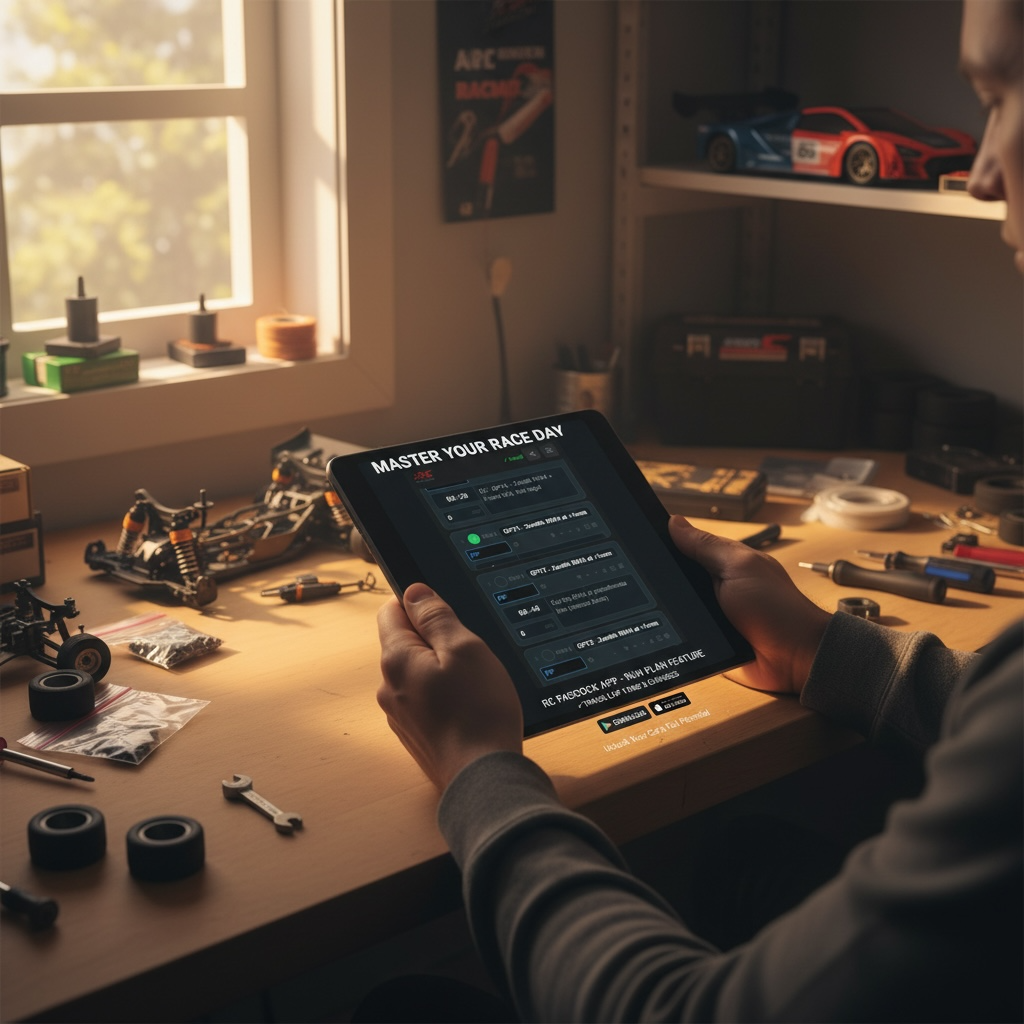
Run plan
Structure what to test, what changed, and what the next run is supposed to answer.
Session history
Past sessions stay connected to their dashboards and references, so review work starts from evidence instead of reconstruction.
Manual sessions
Record the session manually and keep it inside the same system instead of breaking the chain with separate notes.
Timing software
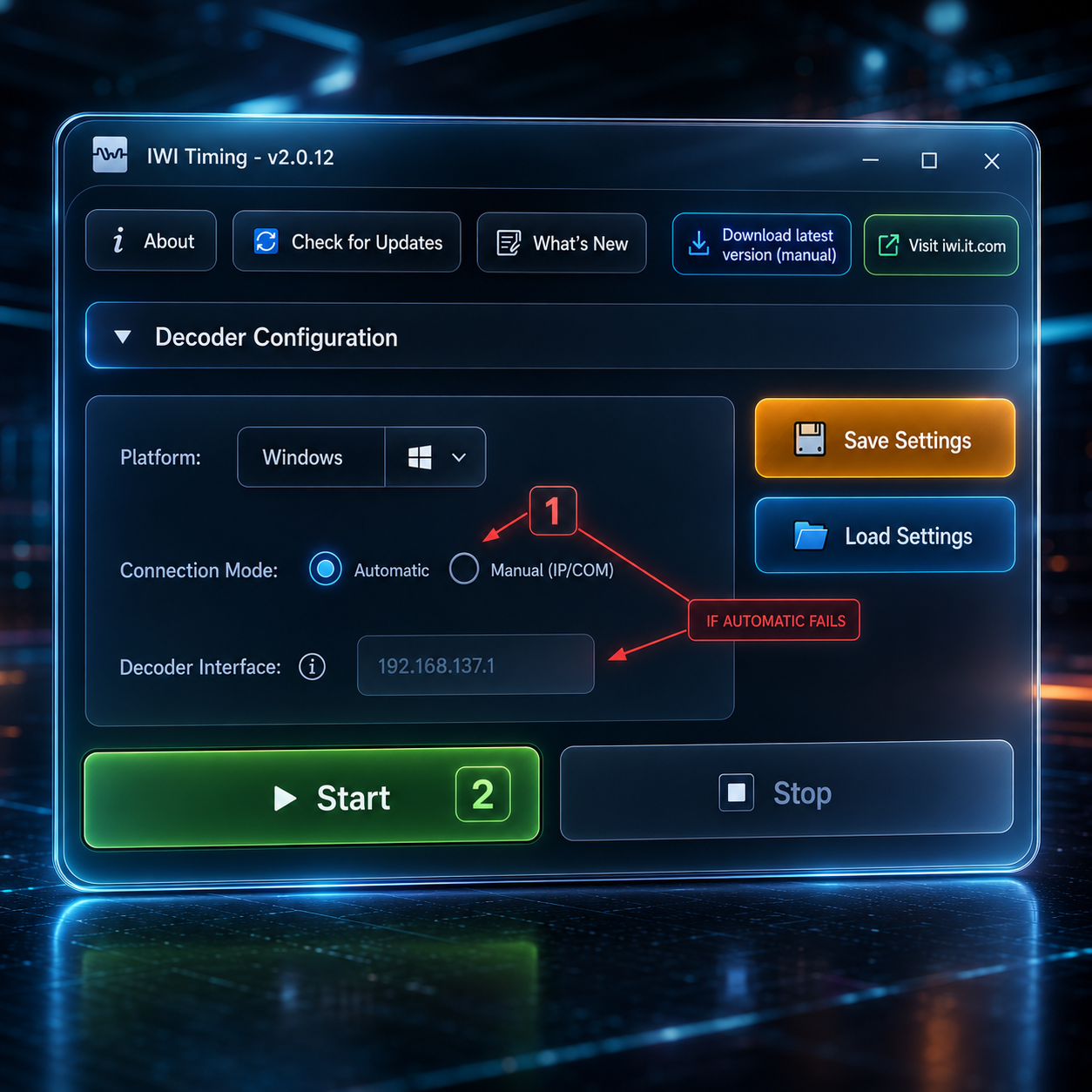
Use IWI Timing at the track, upload sessions into RCPaddock, and keep practice days, race days, driver notes, and setup context in one workflow.Free Windows app. No installation required.Download it, open the .exe, and hit START.
Download IWI Timingv3.0.5Download older versions
Pricing
Free
More with Pro
Pro
RecommendedBilled annually: €72 per year
Get in touch
RCPaddock is for teams that need less clutter between session data and the next decision. For support, club onboarding, timing integrations, or partnership conversations, contact us directly.
Support or Partnership